
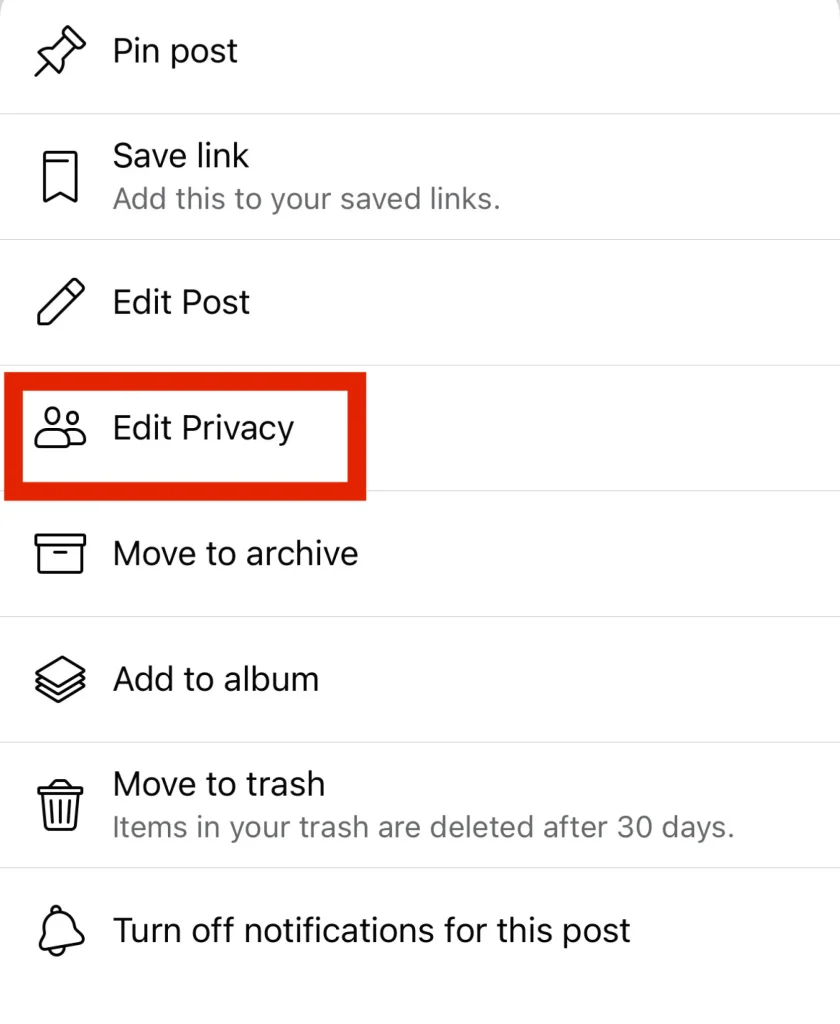
First, navigate to the post you want to make shareable. Click the three dots symbol in the upper right corner of that post. You’ll then see options to pin it, edit it, archive it, and so on. Select the option in the middle that says “Edit Privacy.”
The “Privacy” menu will show you who can see your post. You can control which specific friends can see it. You can control which friends can’t see it. You can even make the post completely private and only visible to you, if that’s what you want.

Once that is checked, you should be able to click “Done” and the post should be able to be embed/shared publicly.